
- Home
- WooCommerce
- What plugin are you looking for?
- Shopify
- About us
- Blog
- Docs
- Contact us
- What can we help you with?

Subscribe to our newsletter

As we move into 2026, shipping has become one of the biggest conversion and cost factors in WooCommerce stores. Choosing the right free shipping plugin can directly impact cart abandonment, operational costs, and customer trust. In this guide to the Top Free WooCommerce Shipping Plugins, we compare the best free solutions available in 2026, explain when free plugins are enough, and show what features actually matter when choosing a shipping setup for your store.
Having effective shipping procedures is essential for managing a WooCommerce shop. With the tools to streamline and automate your shipping procedures, free WooCommerce shipping plugins could be the foundation of your business. Among the features these plugins provide are real-time shipping quotes, custom shipping rules, and integration with UPS, FedEx, and USPS. Businesses of all sizes may guarantee their customers enjoy a dependable shipping experience while saving time and money by employing these free WooCommerce shipping solutions.
Let us begin with why it is worth using additional solutions such as free plugins. WooCommerce itself has many shipping features, but for many shops, they are insufficient. Conditional shipping costs, integrations with couriers, or advanced options that affect conversions – all of this requires additional solutions. Fortunately, WooCommerce, or rather WordPress, has a huge database of free plugins in the official repository that allow you to significantly expand your online shop without spending any money.
WooCommerce shipping plugins automate and streamline the shipping process. They enable you to calculate shipping costs, print labels, and track shipments, all from within your WooCommerce dashboard. This integration reduces manual work and potential errors, saving time and enhancing productivity.
A significant part of customer satisfaction in online shopping hinges on shipping. Customers expect reliable, fast, and affordable delivery options. WooCommerce shipping plugins allow you to offer a range of shipping options, including live rates from carriers, free shipping, flat rates, and more. Providing these options directly influences customer satisfaction and loyalty.
Free WooCommerce shipping plugins can be a cost-effective way to manage your logistics. They help you find the best shipping rates, reduce overhead costs, and, in some cases, offer discounts from carriers. This cost-effectiveness is particularly beneficial for small to medium-sized businesses looking to optimize their operations.
While shipping plugins play a key role in calculating rates, managing deliveries, and keeping customers informed, the post-purchase experience doesn’t end once an order is shipped. Clear and accurate order documentation, such as invoices and packing slips, helps customers understand what was purchased, what was shipped, and how their order was processed. This added clarity reduces support queries, improves transparency, and reinforces trust in the store’s fulfillment process.
For WooCommerce stores, using a dedicated solution like a PDF Invoices and Packing Slips plugin complements shipping plugins perfectly by automating invoice creation, attaching PDFs to order emails, and enabling easy printing during fulfillment. When combined with real-time shipping and tracking tools, it creates a complete order-to-delivery experience that improves operational efficiency and enhances customer trust.
Free WooCommerce shipping plugins can help accurately calculate shipping costs based on weight, dimensions, destination, and more. They also provide transparency in shipping processes, both for the store owner and the customers, thereby building trust and reliability.
Choosing the right WooCommerce shipping plugin necessitates a careful evaluation of features that meet your business’s unique requirements.
The importance of ensuring compatibility with your existing WooCommerce setup cannot be overstated when selecting a shipping plugin. It’s essential to confirm that the plugin you’re considering works flawlessly with your current WooCommerce version, as well as with other crucial extensions and themes that are integral to your online store’s operation. Furthermore, it’s beneficial to check if the plugin integrates effortlessly with your chosen payment gateways and any other external services or systems that are fundamental to your order processing workflow. By focusing on these elements, you can guarantee a streamlined and trouble-free shipping process for your clients.
In determining the right shipping choices for your products, assess if the plugin offers the versatility needed for your particular requirements. Whether you need options like flat rate, free shipping, or dynamic carrier-calculated rates, it’s important to ensure the plugin supports these. Also, consider if the plugin is equipped to handle global shipping and allows for customized shipping rules based on factors like product size, weight, or destination. A thorough examination of these features will help ensure that the plugin aligns well with your specific shipping needs, offering an effective and smooth operation.
For those new to online store management, selecting a shipping plugin that is user-friendly and easy to configure is crucial, in addition to offering a range of necessary features. Opt for plugins with an intuitive interface, clear instructions, and easy integration with your WooCommerce dashboard. Some shipping plugins, such as Flexible Shipping, offer tutorials and pre-configured shipping scenarios for quick implementation of more complex shipping setups.
Dealing with technical issues requires a shipping plugin backed by reliable customer support. Evaluate if the plugin developer provides consistent updates to maintain compatibility with new WooCommerce versions and includes necessary security updates. Effective and responsive support can be invaluable, particularly when dealing with urgent issues or needing help with certain features. If considering a free version of a plugin, assess its ratings and the responsiveness of its support through user feedback. High ratings and a track record of promptly addressed support inquiries are good indicators of the developer’s commitment to their users.
And now let’s get to the real essence of this article, which is a list of the best free WooCommerce shipping plugins that can help you grow your online store in 2026. All plugins listed here have fully free versions in the WordPress repository. Some also offer premium upgrades for advanced features, but the core capabilities discussed in this article are available without payment.
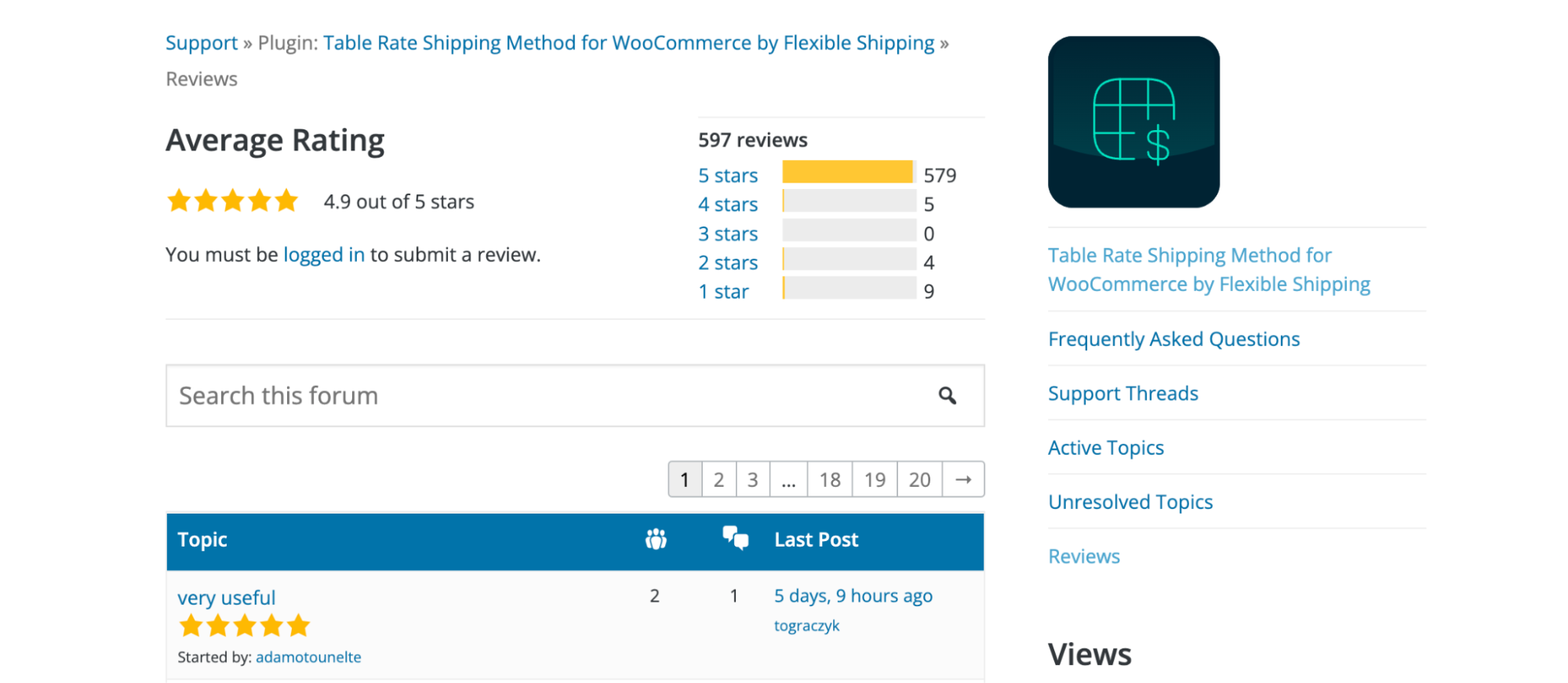
This list would be incomplete without mentioning the most popular free Table Rate shipping plugin in the WordPress repository: Flexible Shipping. It is used by over 100,000 shops and has received excellent reviews. Free version of the Flexible Shipping plugin offers unparalleled versatility for WooCommerce store owners. It allows for detailed customization of shipping options based on weight and cart total. This plugin is ideal for stores with varied product ranges and shipping needs, as it can accommodate a broad spectrum of shipping scenarios. Advanced features such as free shipping over amount add to its robustness, making it a top choice for those seeking a comprehensive, yet user-friendly, shipping solution.

The best Table Rate Shipping for WooCommerce. Period. Create shipping rules based on weight, order totals, or item count.
Go to WordPress.org or Download for freeMoreover, Flexible Shipping excels in its ease of use. Setting up is straightforward, even for those new to WooCommerce. It provides clear, step-by-step instructions, ensuring a hassle-free integration with your WooCommerce store. The plugin’s intuitive interface means you can quickly adjust shipping rules as your business evolves, maintaining efficiency and customer satisfaction.
When to use Flexible Shipping:
Want to explore the features of our plugins, including Flexible Shipping? Check out the video below and browse the dedicated playlists:
The Shipping Cost on Product Page plugin addresses a common customer grievance: unexpected shipping costs at checkout. Displaying these costs upfront on the product page enhances transparency and builds customer trust. This feature is particularly beneficial for international stores where shipping costs can vary significantly based on the customer’s location. It helps reduce cart abandonment rates, a common challenge in online retail.
In addition to transparency, this plugin emphasizes user experience. The shipping cost information integrates seamlessly with the product page layout, maintaining the aesthetic consistency of your store. It also updates in real-time, providing customers with accurate information as they make changes to their cart. This real-time update is a testament to the plugin’s technical sophistication and commitment to providing a smooth shopping experience.
When to use Shipping Cost on Product Page:
Shipping Notices is an essential tool for effective customer communication. It allows store owners to create and display custom shipping notices on their website. These notices can be used for a variety of purposes, such as informing customers about shipping delays, promotions, or specific shipping rules for certain regions. The plugin is particularly useful in managing customer expectations and reducing the number of customer service inquiries.
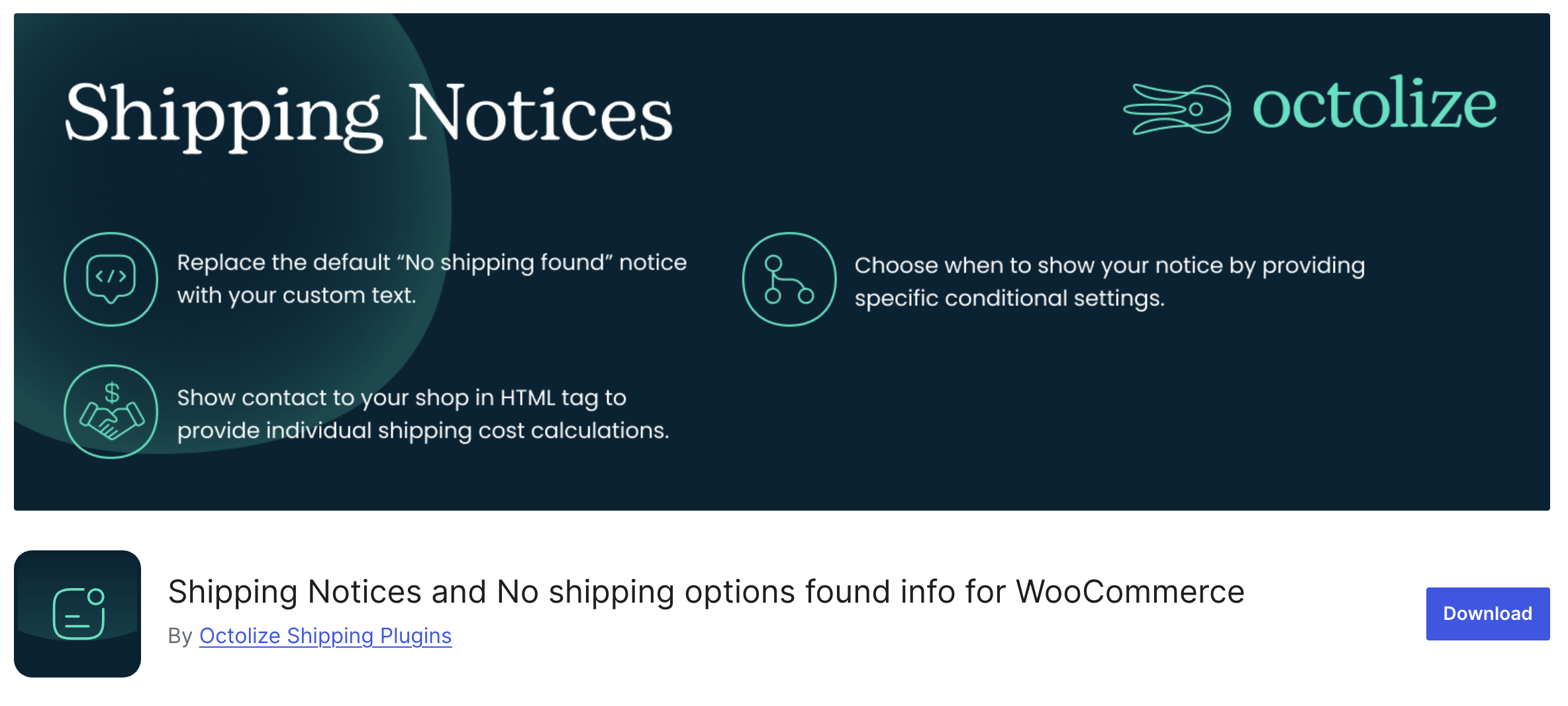
Furthermore, Shipping Notices enhances the customer’s shopping experience by keeping them well-informed. You can customize the appearance and placement of these notices, ensuring they are noticeable yet not intrusive. This customization capability ensures that the notices blend with your store’s design, maintaining a professional look while effectively conveying important shipping information.
When to use Shipping Notices:
The UPS WooCommerce Live Rates and Access Points plugin is a robust solution for businesses that rely on UPS for shipping. It automatically calculates live shipping rates based on the customer’s location and the package’s dimensions and weight, ensuring accurate shipping costs are displayed. This real-time calculation is crucial for businesses dealing with a diverse range of products and shipping destinations.

Display automatically calculated UPS live rates and offer UPS Access Points support for your customers.
Go to WordPress.org or Download for freeAdditionally, this plugin’s support for UPS Access Points is a standout feature. It allows customers to choose a convenient pickup location, enhancing the flexibility and convenience of the delivery process. Customers who would prefer not to have items delivered to their home address would find this function especially helpful. It demonstrates our dedication to offering solutions that satisfy store owners’ operational requirements as well as their consumers’ desires.
When to use UPS WooCommerce Live Rates and Access Points:
Advanced Shipment Tracking is a game-changer for post-purchase customer experience. It allows store owners to add carrier details and tracking numbers to orders, which customers can use to track their shipments in real-time. This transparency reduces customer anxiety and improves satisfaction.
This plugin also streamlines the workflow for store managers. By automating the tracking information update process, it saves time and reduces the likelihood of errors. Furthermore, its compatibility with a wide range of carriers makes it a versatile tool for stores shipping through multiple channels. It’s an essential plugin for maintaining high customer service standards in e-commerce.
When to use Advanced Shipment Tracking:
WooCommerce ShipStation Integration is a powerful tool for automating and streamlining the shipping process. By integrating your WooCommerce store with ShipStation, you gain access to a wide array of shipping carriers and automated tools that can handle everything from label printing to order tracking. Stores who get a lot of orders would especially benefit from this integration because it cuts down on the time and effort required for shipment.
Advanced capabilities like batch label production and a shipping procedure that can be customised to meet the unique requirements of your company are also provided by the plugin. It is an essential tool for every WooCommerce company trying to streamline its shipping processes because of how simple it is to integrate and how many functions it provides.
When to use ShipStation Integration:
The table below compares the most important decision factors for free WooCommerce shipping plugins in 2026, including ideal use case, shipping rate type, carrier support, and store size fit.
| Plugin name | Main problem it solves | When to use it | Impact on conversions or operations | Best store stage |
|---|---|---|---|---|
| Flexible Shipping | Inflexible and limited shipping pricing rules | When shipping cost depends on weight or cart total | More accurate pricing and fewer manual adjustments | Small to medium stores |
| Shipping Cost on Product Page | Cart abandonment caused by hidden shipping costs | When customers leave checkout due to late price visibility | Higher conversion rate and more completed checkouts | Small to medium stores |
| Shipping Notices | Lack of clear shipping communication | When customers need information about delays or rules | Fewer support requests and higher customer trust | All store sizes |
| UPS WooCommerce Live Rates and Access Points | Manual or inaccurate carrier pricing | When the store ships mainly with UPS | Accurate pricing and fewer refunds or corrections | Medium to growing stores |
| Advanced Shipment Tracking | Post-purchase anxiety and tracking questions | When customers often ask about order status | Reduced “where is my order” tickets | Medium to high volume stores |
| WooCommerce ShipStation Integration | Time-consuming manual fulfillment | When order volume is too high for manual processing | Faster fulfillment and operational efficiency | High volume stores |
The best free WooCommerce shipping plugins in 2026 include Flexible Shipping, Shipping Cost on Product Page, Shipping Notices, UPS WooCommerce Live Rates and Access Points, Advanced Shipment Tracking, and WooCommerce ShipStation Integration. These plugins cover core shipping needs such as rate calculation, customer communication, live carrier rates, and shipment tracking without requiring paid plans.
Yes, free WooCommerce shipping plugins are often enough for small and medium-sized stores. They allow you to calculate shipping costs, create custom shipping rules, display rates early in the checkout process, and automate tracking. Many stores start with free versions and upgrade only when advanced automation or carrier integrations are required.
Flexible Shipping is one of the best free WooCommerce shipping plugins for complex shipping rules. It allows you to create table rate shipping based on weight and cart total, making it suitable for stores with diverse products and pricing strategies. It also offers extensive free shipping over amount options with the ability to display the amount needed to qualify for free shipping, which greatly increases the value of the shopping cart.
Yes, some free WooCommerce shipping plugins can calculate real-time shipping rates. Plugins like UPS WooCommerce Live Rates and Access Points display live carrier quotes based on package weight, dimensions, and customer location, ensuring accurate pricing at checkout.
Yes, you can use multiple WooCommerce shipping plugins together. For example, one plugin can handle rate calculation, another can display shipping costs on product pages, and a third can manage shipment tracking. Combining plugins often creates a more complete shipping and post-purchase experience.
All plugins listed in this article have fully functional free versions available in the WordPress repository. Some offer paid upgrades for advanced features, but the core shipping functionality discussed here can be used without any cost.
To choose the right free WooCommerce shipping plugin, consider your shipping complexity, order volume, supported carriers, and customer expectations. Stores with simple pricing may prefer flat or table rate plugins, while stores with international shipping or high order volume benefit more from live rates and tracking integrations.
In conclusion, these top free WooCommerce shipping plugins for 2026 offer a range of solutions that cater to different needs but are united in their aim to streamline the shipping process and enhance customer satisfaction. Whether you’re looking for flexibility, transparency, communication, or automation, these plugins have got you covered.

Content Writer at Octolize
Bartosz Gajewski is a content and marketing specialist with a solid background in SEO, WordPress content strategy, and technical documentation for digital products. With years of hands-on experience in both in-house and freelance roles, he supports tech companies – especially in the SaaS and e-commerce space – by creating content that informs, engages, and drives results.
His approach blends storytelling with data-driven SEO, and he’s been involved in projects ranging from rebranding and product marketing to growth experiments and copywriting for complex software tools. On the blog, he shares actionable insights from his work across marketing teams, product documentation, and online store optimization.




The Neurodivergence Project uses the ocean and the natural world to empower neurodivergent people to build confidence, lasting friendships and help them achieve their goals.

Dominican Liturgical Center is based in Cracow and focused on promoting the learning of traditional music and singing. They also run a smaller publishing house and a webshop that is focused on selling mainly books and CDs.

Established in 2017. SGL is focused on selling gas bottles and non-gas products. Formerly, the company offered payment by card on delivery. For now, the SGL started online payments and they launched a webstore.
 Pickup Points